Real-time
modular visual
generator.
A browser-based instrument for geometry, shaders, sound and motion. Build a scene. Shape the signal. Make it yours.
Free to create. No account needed to open.
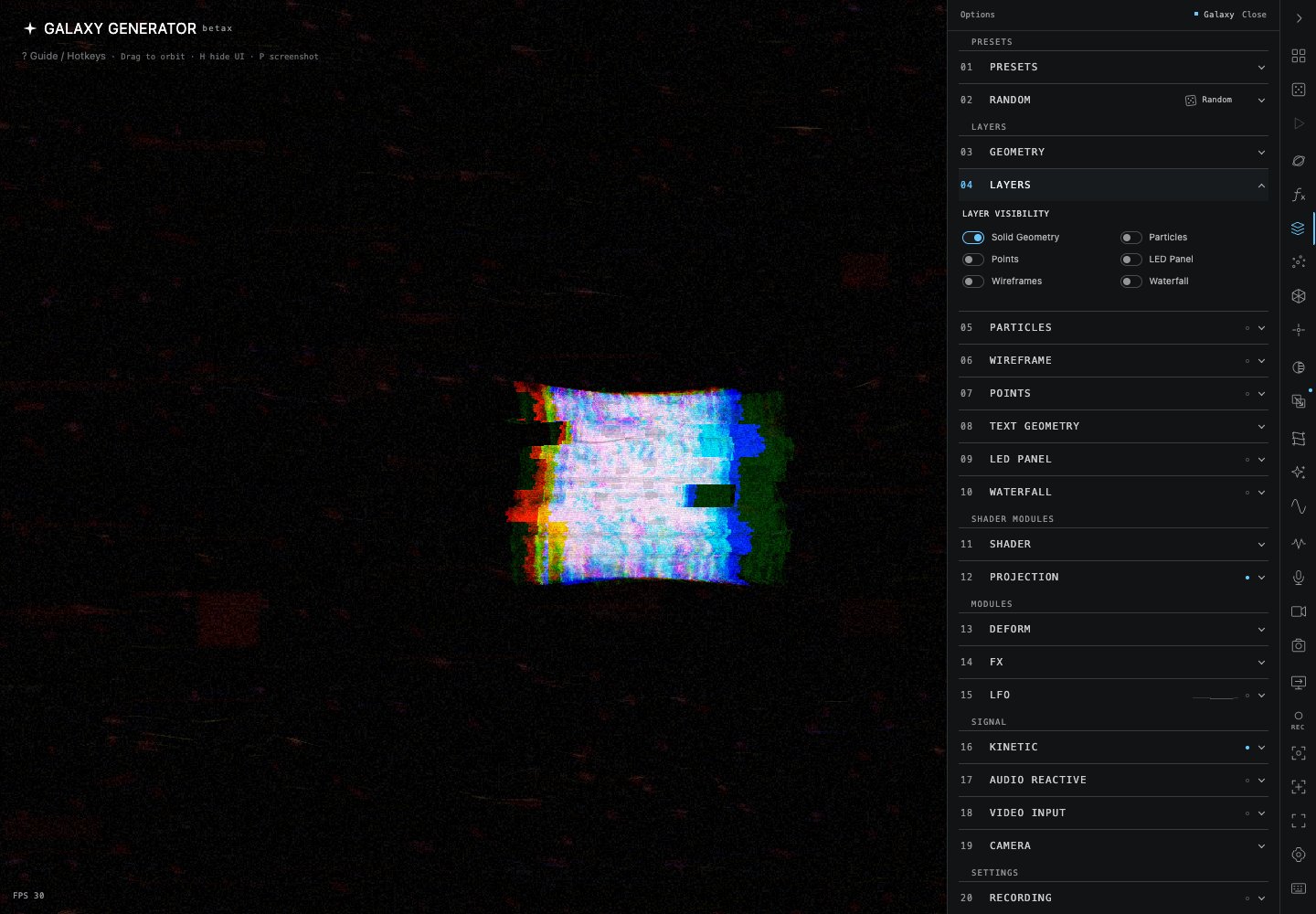
The instrument
A visual environment.
An instrument you can keep playing.
Combine layers, geometry and shader bases. Bring in audio or camera input, animate with LFO and kinetic controls, build Sets, capture snapshots, record and send your scene to Output. All in the same workspace.
GALAXY FREE
The complete creative instrument.
Explore every creative module and the normal real-time workflow.
- Layers, geometry, shaders and Formula Lab
- FX, LFO, audio, camera and kinetic controls
- Sets, Set Slots and snapshots
- Recording, Output and factory presets
Free to use.
OPEN GALAXYGALAXY FULL
Save your presets.
Unlock permanent custom preset saving. Keep your own scenes ready for the next session.
One-time license. No subscription.
The final price and payable currency will be published before sales open.
GALAXY FULLPurchases are not open yet. Merchant configuration and release checks are pending. Digital license, activated after verified payment confirmation.
A few things
to know.
What is Galaxy?
A real-time modular visual generator that runs in your browser. Build a scene, combine layers and geometry, then shape its movement, material and signal.
What is included for free?
The complete creative instrument: Layers, Geometry, Shaders, Shader Bases, Formula Lab, existing AI tools, FX, LFO, Audio, Camera, Kinetic, Sets, Set Slots, Snapshots, Snapshot to Set Slot, Recording, Output and factory presets.
What does Galaxy Full unlock?
Permanent custom preset saving. Everything else in the creative instrument remains free.
Is this a subscription?
No. Galaxy Full is a one-time digital license. There is no recurring billing.
How is Galaxy Full activated?
After the payment provider confirms payment and the Galaxy server verifies it, preset saving is unlocked for your verified email account. There is no physical delivery.
How do I restore my purchase?
Open Galaxy, then Settings → Account → Restore Purchase. Verify the same email you used for your purchase.
How does payment work?
Checkout opens on Robokassa. Available payment methods and the final payable amount are shown before payment. Payment acceptance is disabled while merchant and release checks are pending.
What is the refund process?
Read the Refund Policy and contact support with your account email and order reference. Eligibility and response terms require owner approval before purchases open. Never send card credentials. Refund Policy
How can I contact support?
The public Support page contains the configured contact information. Missing seller or contact details are explicitly marked for owner input. Support